IMPORTANT:
For RHOP to function optimally, it is important to complete every applicable field in every screen. Blank fields may have negative effects on the application. Fields with a * are mandatory fields that must be entered.
RHOP is a MULTI-USER, multi-screen program in which it is possible that a displayed screen that was open prior to an update or new record entry does not show the last update/record entered by a user. The REFRESH button available on the tool bar will always retrieve the latest data and display it in the screen being refreshed.
RHOP allow users to search/filter/sort data based on the users unique criteria. If the filter/search settings are not removed, the user may not see the expected information. Remove all unnecessary search and filter criteria to insure that the data displayed is correct.
|
IMPORTANT
Depending on the information you are displaying (example: All Purchases) it may take some time to display all requested records due to the volume of data to show or calculate.
|
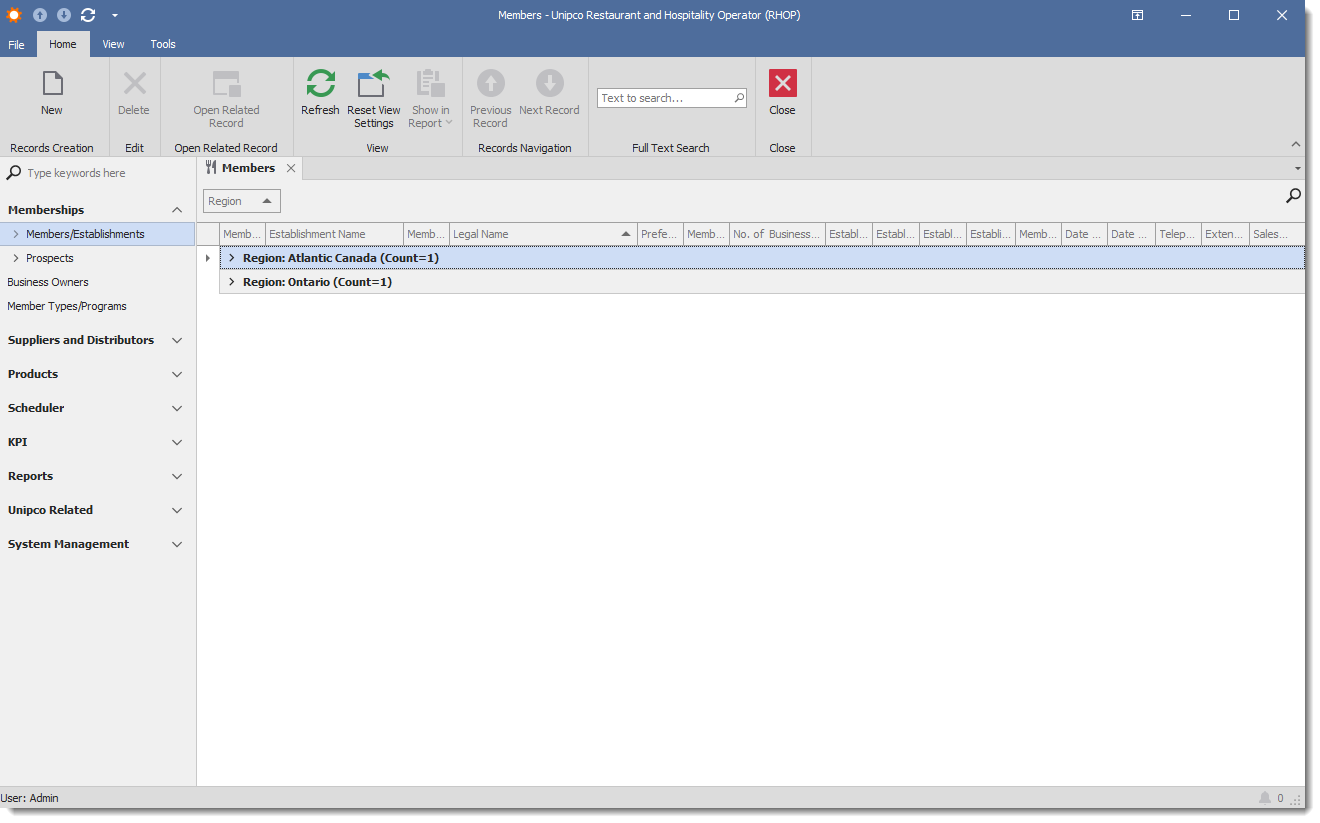
The UNIPCO RHOP desktop application user interface gives access to the various functions and tools available to the end user. To make full use of the application, the end user should review the various sections of the application as well as how to use the user Interface elements used by the application.
Required fields are identified with a * beside the field.
The Application is divided into the following sections:
•Membership
•Suppliers and Distributors
oView Variants
•Products
•Scheduler Events
•KPI (Key Performance Indicators)
•Reports
•Analysis
•Company Settings
•System Management
•Common
•Suppliers and Distributors Related
oSuppliers and Distributors Categories
oUser
oRole