The Manufacturer screen is the repository of all Manufacturers contained in the RHOP system.

The count of Manufacturer contained in the system is shown at the bottom of the grid.
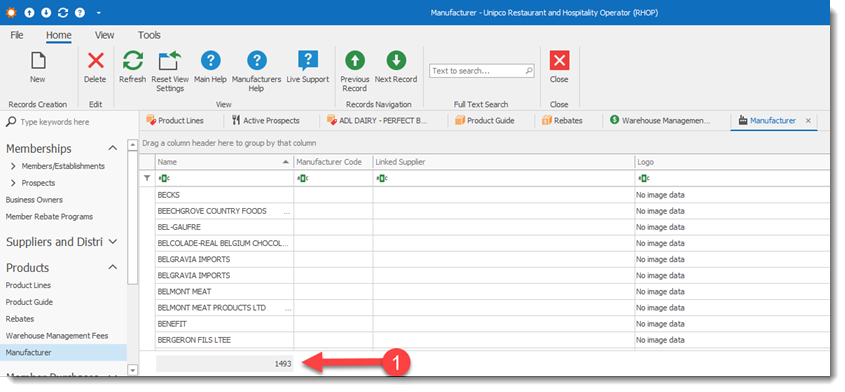
•To create a new Manufacturer record select on the tool bar the New  button.
•To open a Manufacturer record double click the Manufacturer record and the Manufacturer profile will be displayed. Once the Manufacturer profile is open the user can edit the information it contains.
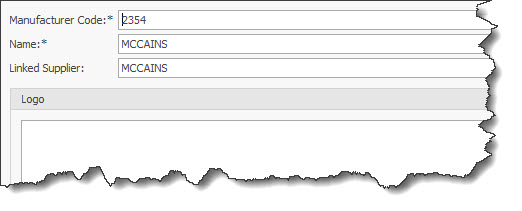
Manufacturer Code: Enter the manufacturer code
Name: Enter the name of the manufacturer
Linked Supplier: The user can select from the drop down list the Supplier to link with this manufacturer.