Print Preview for WinForms
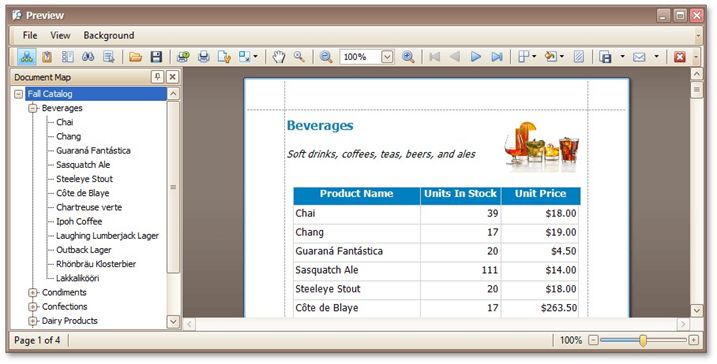
This section describes the capabilities provided by the Print Preview form.
File Management
Save a Print Preview to a File
Load a Print Preview from a File
Printing and Page Setup
Print a Document via the Print Dialog
Print a Document Using Default Settings
Change Printing Settings via the Page Setup Dialog
Specify Page Margins in Print Preview
Headers and Footers
Insert Page Header and Page Footer into Printed Documents
Insert Page Numbers into Printed Documents
Insert Date and Time into Printed Documents
Insert the User Name into Printed Documents
Insert a Logo into Printed Documents
Scaling
Scale Print Preview by Entering a Zoom Factor
Scale Print Preview by Specifying Width in Pages
Zooming
Zoom Print Preview by Entering a Zoom Factor
Zoom Print Preview to Show Whole Pages or Fit Content
Show Two or More Pages in Print Preview
Viewing and Navigating
Navigate Between Pages in Print Preview
Use the Hand Tool in Print Preview
Navigate in Print Preview Using Bookmarks
Navigate in Print Preview Using Thumbnails
Search for a Specific Text in Print Preview
Switch Print Preview Display Mode
Interactivity
Content Editing in Print Preview
Watermark and Background
Change Watermark and Background Settings in Print Preview
Remove a Watermark in Print Preview
Exporting
Passing Parameters
 Passing Parameters in Print Preview
Miscellaneous
Customize Printing Settings of Charts
Customize Printing Settings of Grids
Customize Printing Settings of Pivot Tables
Customize Printing Settings of Tree Views
Warnings and Error Messages
 Warnings and Error Messages in Print Preview