Load a Print Preview from a File
To open a previously saved document, click the Open  button on the toolbar, or press CTRL+O.
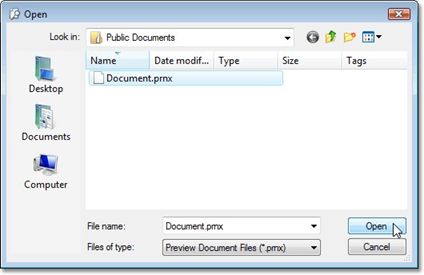
On the invoked Open dialog, define the file and click Open.
IMPORTANT
When saving or using a saved preview file (.prnx file ) you can not edit or change the page settings ( pagesize, margins etc.) The page setup button will be disabled.
|