Save a Print Preview to a File
If you've modified your document, and there's a chance you'll need to print out this document version more than once, you can save the document to a file on disk. After that, you can simply load your document and print it out, without having to apply the same changes again.
To save a document to the file, click the Save  button on the toolbar, or press CTRL+S.
On the invoked Save As dialog, locate a folder where you want to store your file, enter the document's name and click Save.
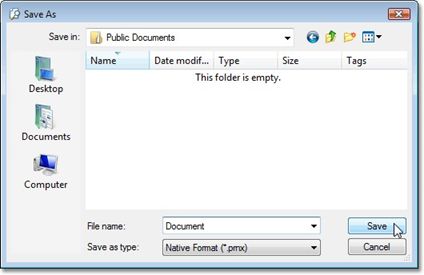
Your document will be saved with the .prnx file extension. Note that this extension will be added to the file name even if you enter another one.
IMPORTANT
When saving or using a saved preview file (.prnx file ) you can not edit or change the page settings ( pagesize, margins etc.) The page setup button will be disabled.
|