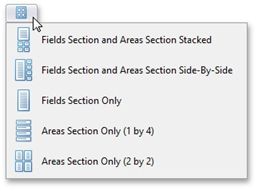
Change Field List Layout
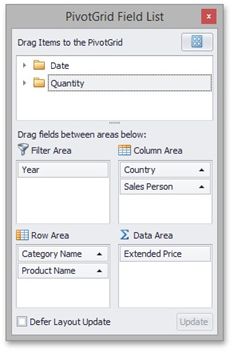
By default, an advanced Field List displays a hidden fields section on the top, and four sections that correspond to Pivot Table areas at the bottom (see Field List Overview for details).
You can use the Layout menu to control which sections are displayed and where they are displayed. To do this, click the  button and select the required layout from the drop-down menu.