Change Printing Settings via the Page Setup Dialog
To start the page setup dialog box, do one of the following.
Click the Page Setup  button on the toolbar. On the File menu, click Page Setup...
The following dialog will be invoked.
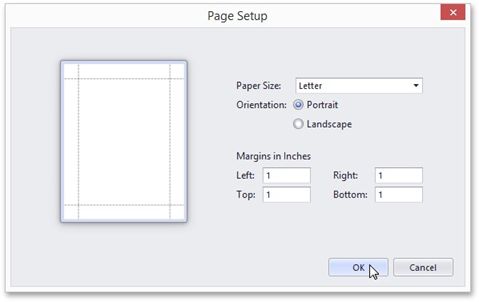
This dialog allows you to do the following:
•Change page orientation (choose Portrait or Landscape).
•Select paper size.
•Change page margins. (This can also be done in the Print Preview dialog)
NOTE If you're working with a document that was loaded from file, the Page Setup commands on the toolbar and main menu will be disabled.