Switch Print Preview Display Mode
Enable the Facing Layout View
To enable the facing layout view, on the View menu, point to Page Layout, and then click Facing.
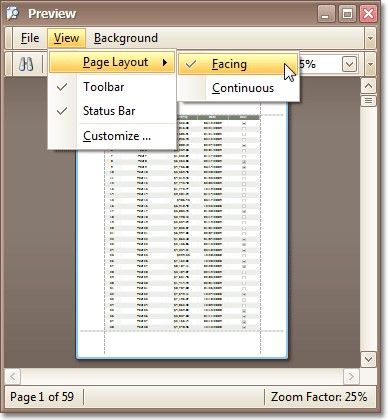
This allows you to preserve an entire page view, whether you resize the preview window, scroll a document or choose a multiple page view mode.
Enable the Continuous Layout View
To enable the continuous layout view, on the View menu, point to Page Layout, and then click Continuous.
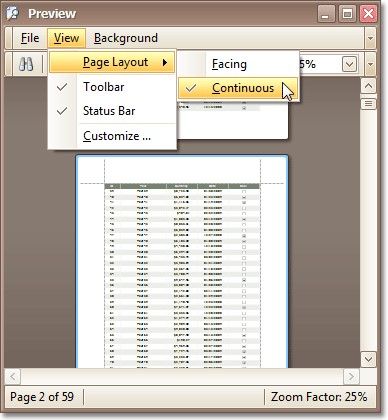
This allows you to continuously scroll a page layout view.