Grid
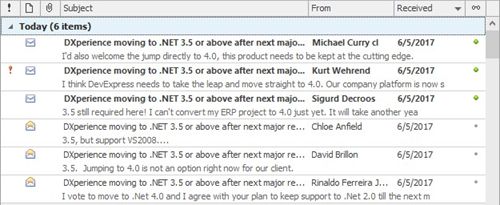
This section describes the capabilities provided by the Grid control, which represents data in a tabular or card form, supports data editing, sorting, grouping, filtering, summary calculation and many other features:
Data Editing
Data Presentation
Data Analysis
Show Summaries (Totals) in Grids
Apply Cell Conditional Formatting
Layout Customization
Expand and Collapse Rows and Cards in Grids
Hide and Display Grid Columns, Bands and Card Fields
Rearrange Grid Columns, Bands and Card Fields
Resize Grid Columns, Bands and Card Fields
Selection and Navigation