Expand and Collapse Rows and Cards in Grids
Expand/Collapse Group Rows in Grid Views
To expand/collapse a group row, do one of the following:
Click the row's expand
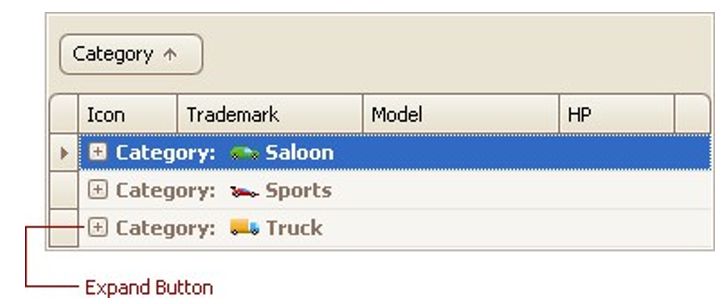
Double-click the group row
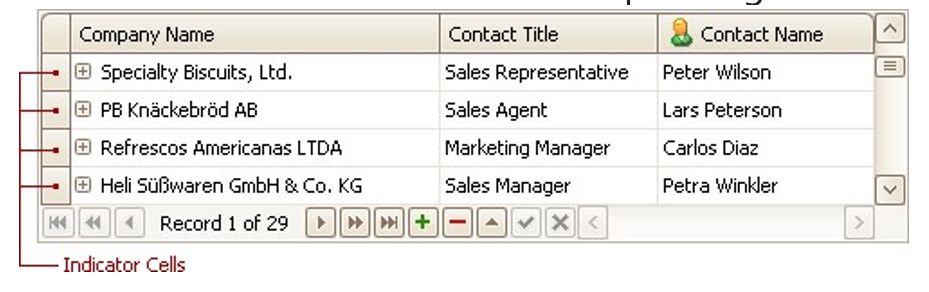
Double-click the indicator cell corresponding to the group row:
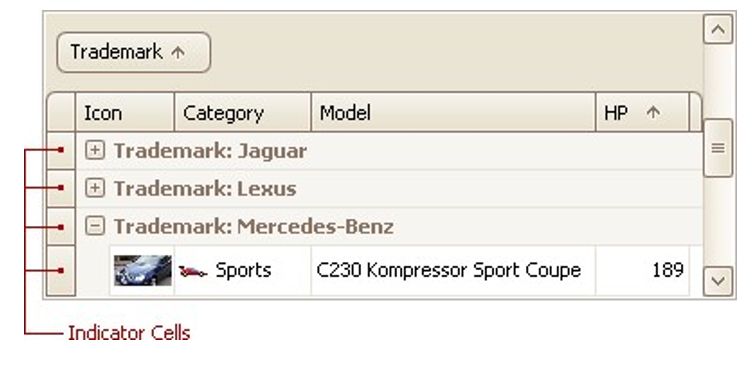
Focus the group row and press PLUS (to expand the row) or MINUS (to collapse the row).
Focus the group row and press RIGHT ARROW (to expand the row) or LEFT ARROW (to collapse the row).
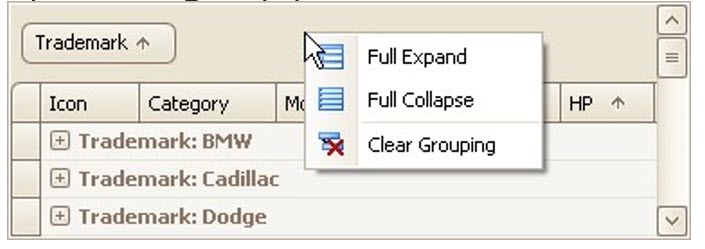
To expand or collapse all group rows, right-click the group panel at the top of the control. This opens the group panel context menu. Then select Full Expand or Full Collapse respectively:
Expand/Collapse Master Rows in Grid Views
To expand/collapse a master row, do one of the following:
Click the master row's expand button:
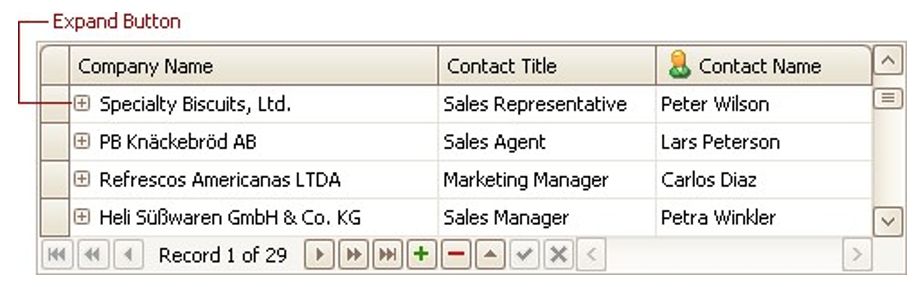
Double-click the indicator cell corresponding to the master
Focus the master row and press CTRL+PLUS (to expand the row) or CTRL+MINUS (to collapse the row).
Expand/Collapse Cards in Card and Layout Views
Do one of the following:
Click a card's Expand
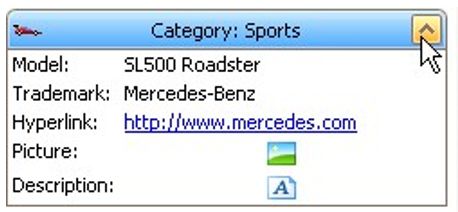
Click a card's caption and press PLUS (to expand the card) or MINUS (to collapse the card).