Resize Cards in Grids
Resize Cards in Card Views
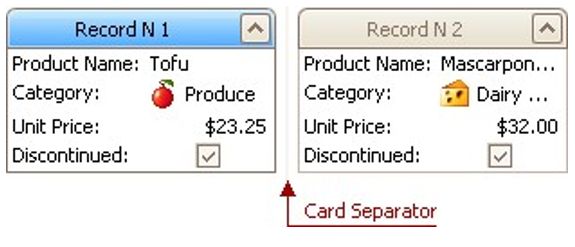
In Card Views, to resize cards horizontally, drag card separators (if they are visible):
Resize Cards in Layout Views
In Layout Views, to resize cards do the following:
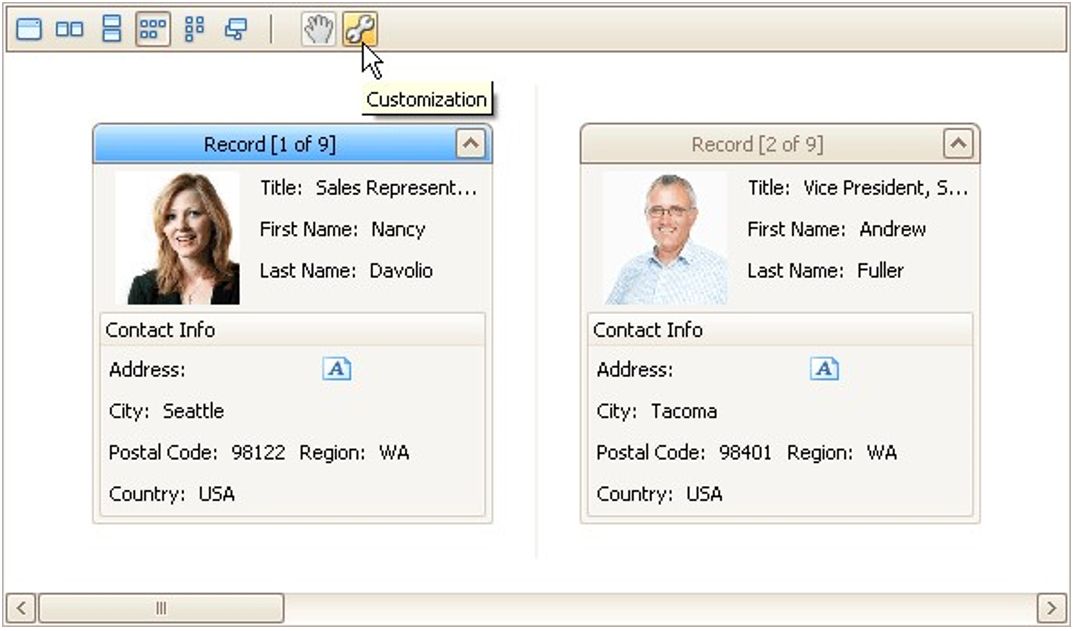
Click the Customization button displayed within the header panel:
The LayoutView Customization window will open:
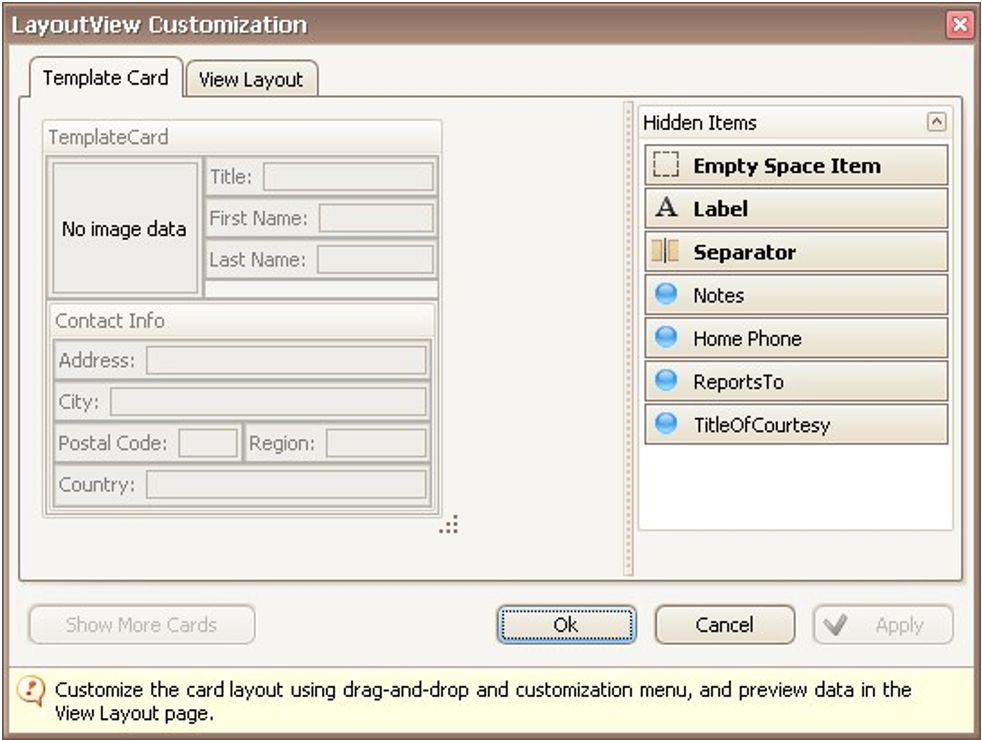
Resize the template card as required.
Close the Customization window to apply the changes.