Rearrange Grid Columns, Bands and Card Fields
Reorder Columns and Bands in Grid Views
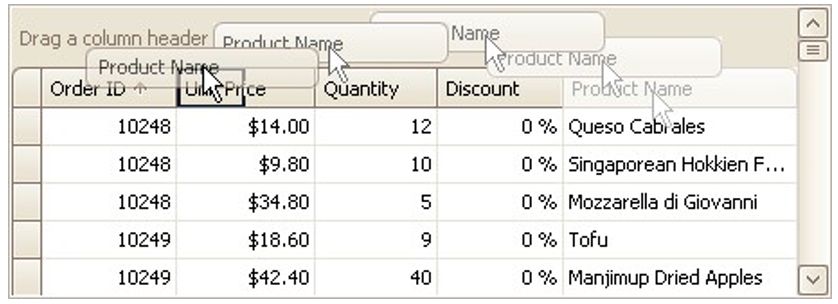
To reorder columns, drag and drop a column header to a new position:
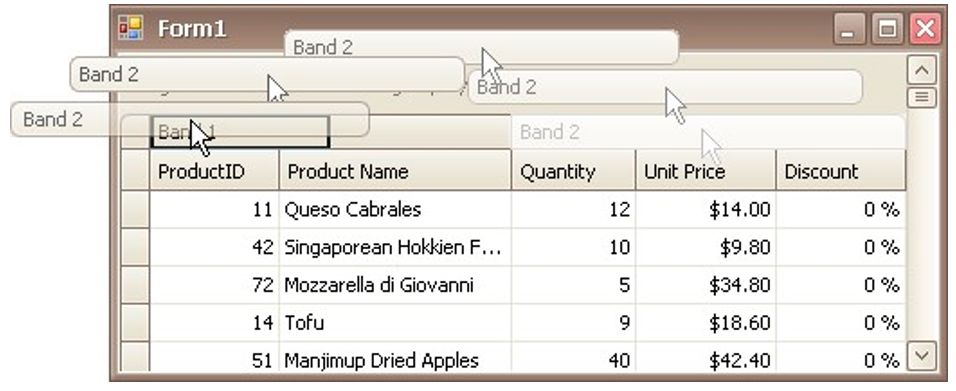
To reorder bands, drag and drop a band header to a new position:
Rearrange Card Fields in Layout Views
Do the following:
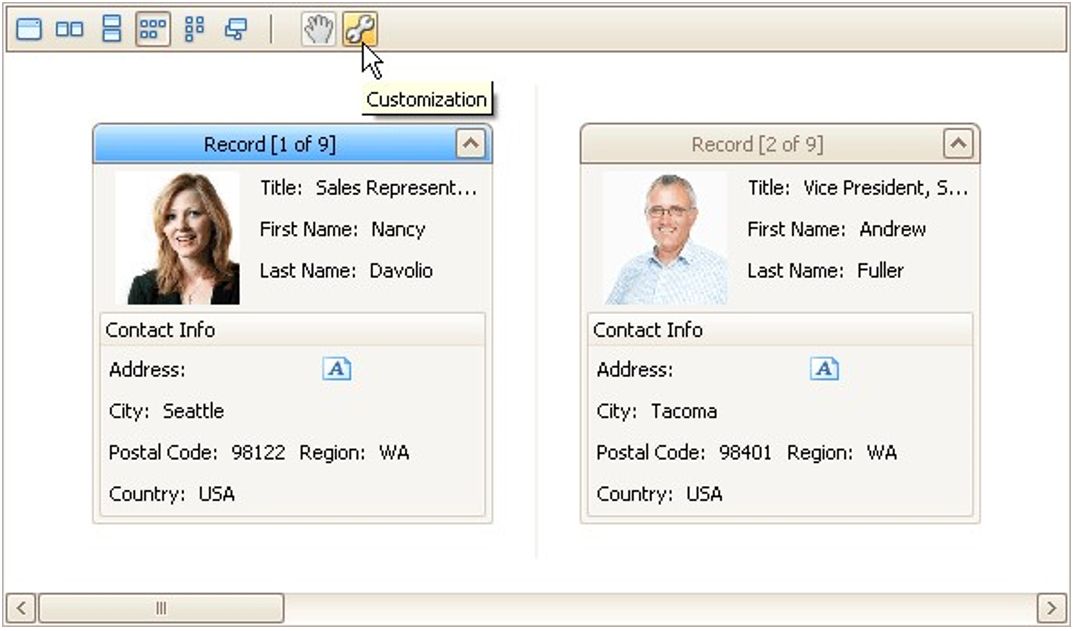
Click the Customization button displayed within the header panel:
The LayoutView Customization window will open:
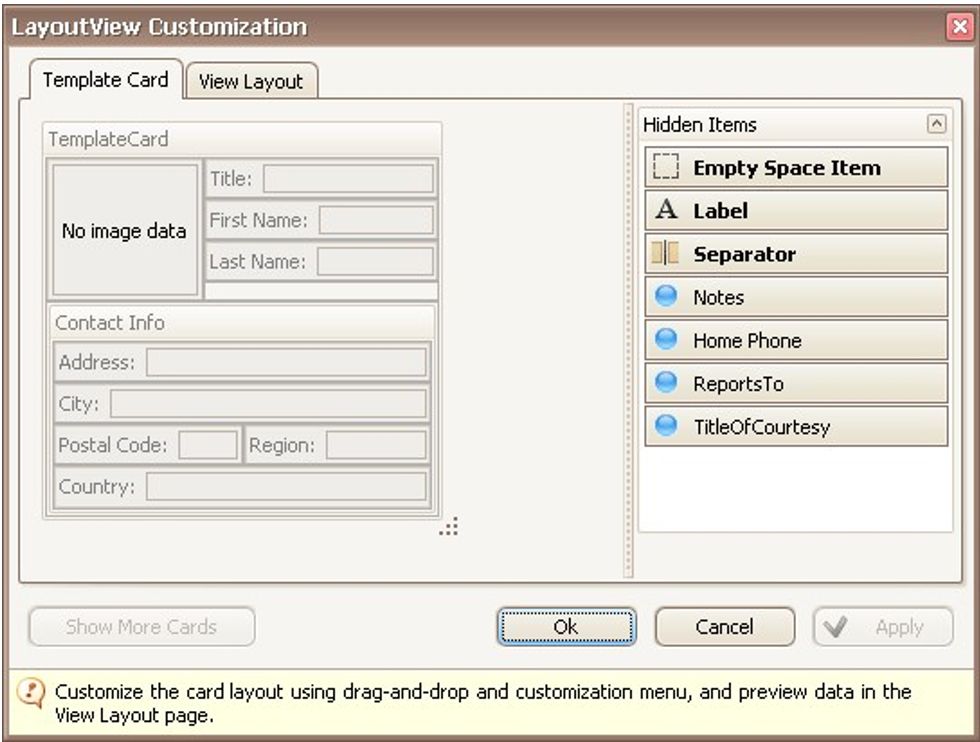
Rearrange fields using drag and drop, as required.
Close the Customization window to apply the changes.