Layout Manager
This section describes the capabilities provided by the Layout Manager. It maintains a consistent layout of controls within a form for you, so whenever you resize the form, the controls do not overlap. You can invoke customization mode to temporarily hide specific editors, and then show them again, resize the controls, save and then restore the layout, etc.
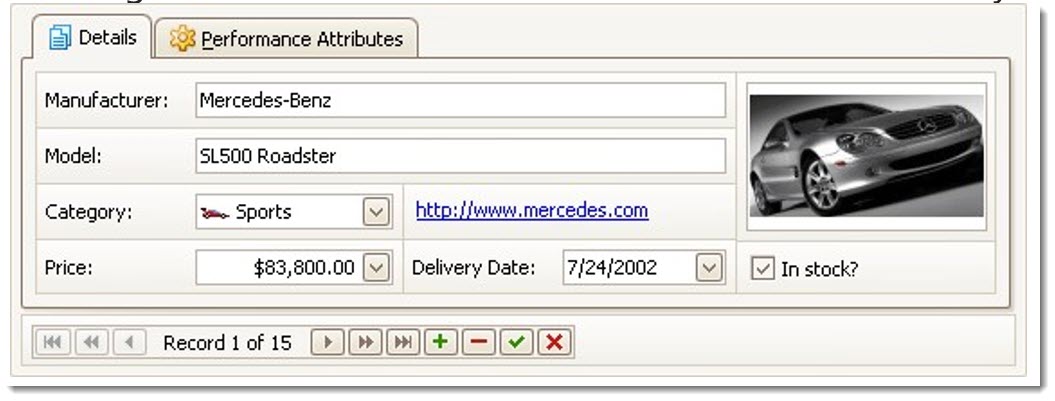
Layout Customization
Hide and Display Elements using a Layout Manager
Add Empty Regions, Separators, Splitters and Labels
Work with Interface Element Groups Create and Delete Tabbed Groups
Save and Restore Layout
Save and Restore Interface Layout