Resize Interface Elements
To perform layout customization, first invoke Customization Mode. After customization has been completed, mode.
Resize Layout Items
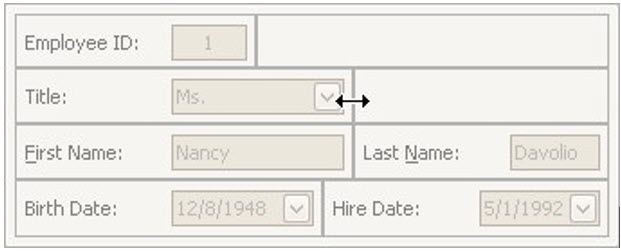
To resize a layout item, drag the layout item's edge:
Lock Size
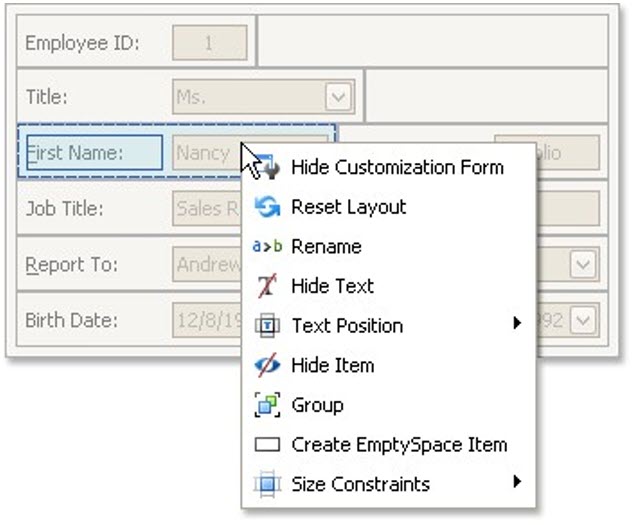
To lock a layout item's size, and prevent it from being resized (for instance, when the size of the container changes), right-click on a layout item and select the Size Constraints | Lock Size menu command: