Change Text Label Options
To perform layout customization, first invoke Customization Mode. After customization has been completed, mode.
Rename Labels
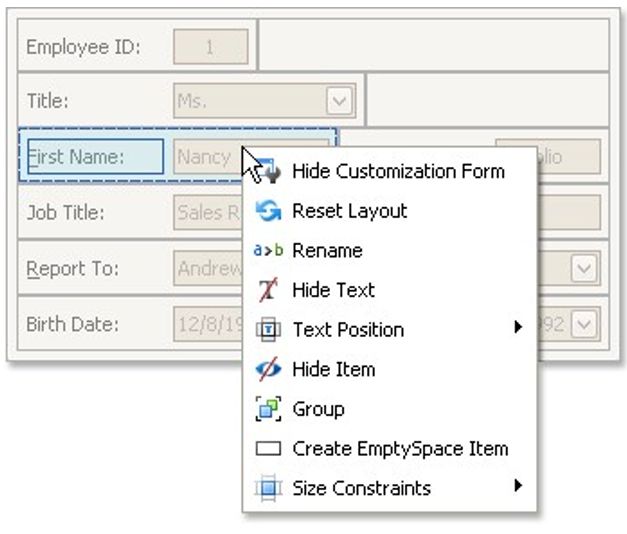
To rename a layout item's text label, right-click the item and select Rename from the context menu.
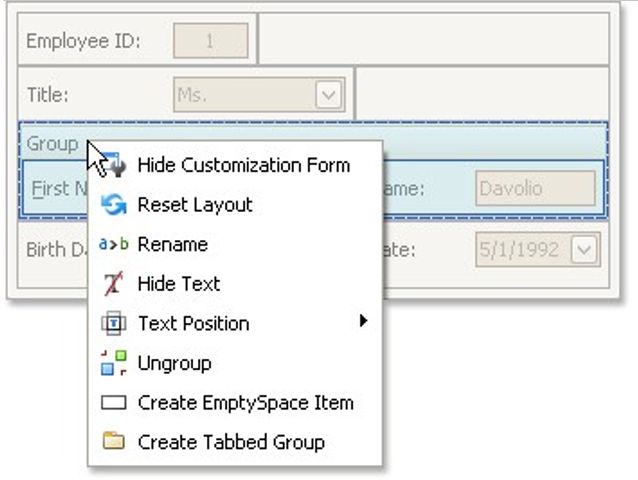
To rename a group, right-click the group's caption and select Rename.
Change a Label's Visibility
To hide a layout item's text label or a group's caption, right-click the item/group and select Hide Text from the context menu.
To display a layout item's hidden text label or a group's hidden caption, right-click the item/group and select Show Text.
Change a Label's Position
To change the position of an item's label or a group's caption, right-click the item/group to open the context menu. Then, select Text Position and the required command from this submenu.