Zoom a Worksheet
To zoom in or out of a worksheet, do one of the following:
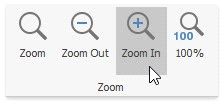
 In the Zoom group within the View tab, click the Zoom In or the Zoom Out button. Click the Zoom 100% button to restore the worksheet to normal size.
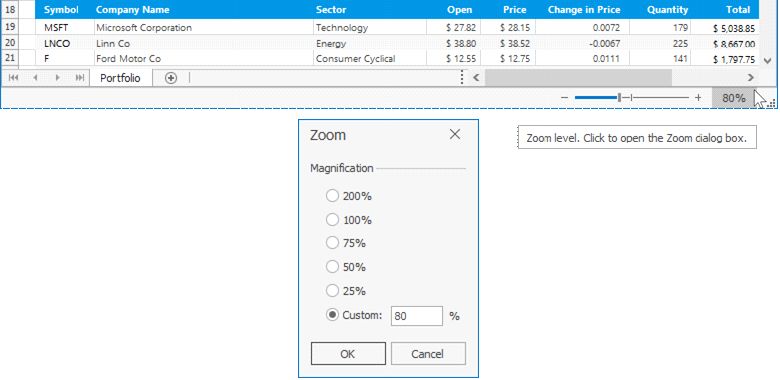
Use zoom slider and zoom level on the status bar. Click zoom level to invoke the Zoom dialog. The dialog allows you to select a percentage of magnification, or enter a custom percentage.