Use Report Parameters
Report parameters pass data to a report before it is generated in Preview. You can specify parameter values. The topics in this section describe how to create report parameters of different types and specify their values:
Report Parameters with Predefined Static Values
Report Parameters with Predefined Dynamic Values
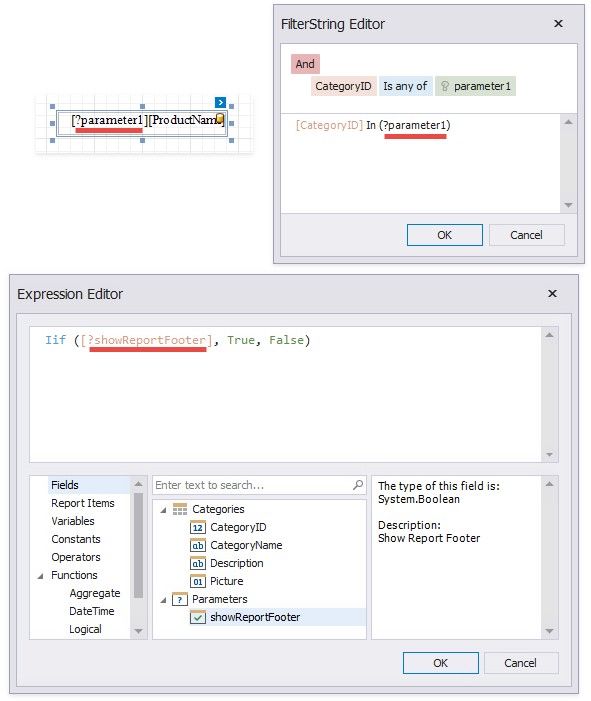
Use report parameters in the following cases:
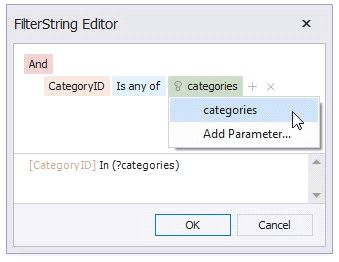
 In Filter Strings
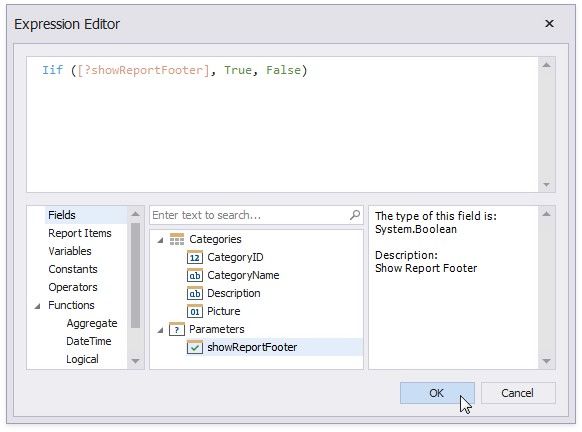
You can create a report parameter and use it in expressions. For instance, you can do the following:
Specify a calculated field's value. Bind a control to data.
Conditionally change a band's visibility or a control's appearance.
 In Mail Merge
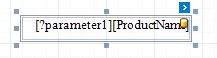
You can use a report parameter in a control's text.
As a Value Source for Control Parameters
The following controls have internal collections of parameters. You can bind these internal parameters to report parameters.
 Cross Tab
Use cross-tab parameters to filter data or change control appearance.  Chart
Chart
Filter chart data by parameters.
 Subreport
Use the control's parameters collection to specify parameter values in the report that the Subreport control references.
 As a Value Source for Data Source Parameters
The following data sources have internal collections of parameters. You can bind these internal parameters to report parameters to make them dependent on an external value.  Database
Use query parameters to filter data on the database level or pass values to a stored procedure.
 JSON
JSON
Use path, query, and header parameters to configure HTTP requests to the web service endpoint.
 Object
Use object data source parameters to pass variables to the method that fetches data.
 Entity Framework
Use Entity Framework data source parameters to pass variables to the method that fetches data.
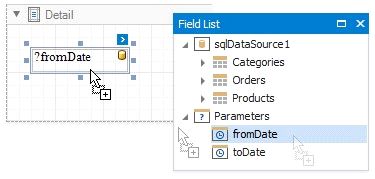
Wherever you specify a parameter name, prefix it with the question mark character.