Specify PDF Data
You can assign PDF data to the control's Source property.
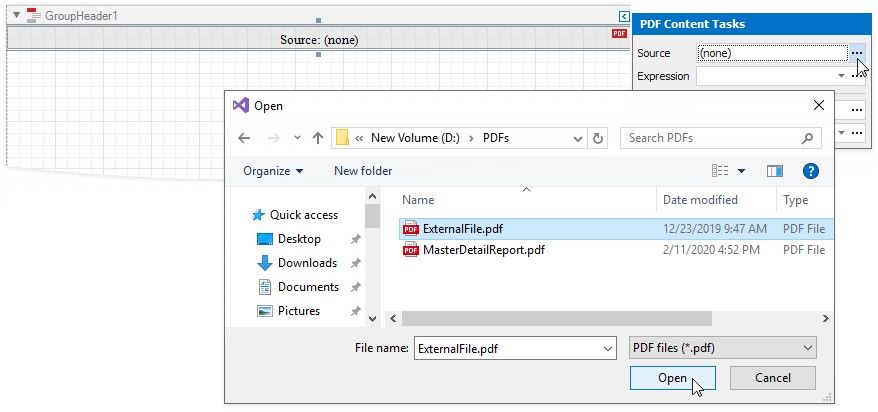
Expand the PDF Content's smart tag and click the Source property's ellipsis button to obtain the binary data from a file.
When users save a report, the Source property value persists in the report file.