Add a PDF Content Control to a Report
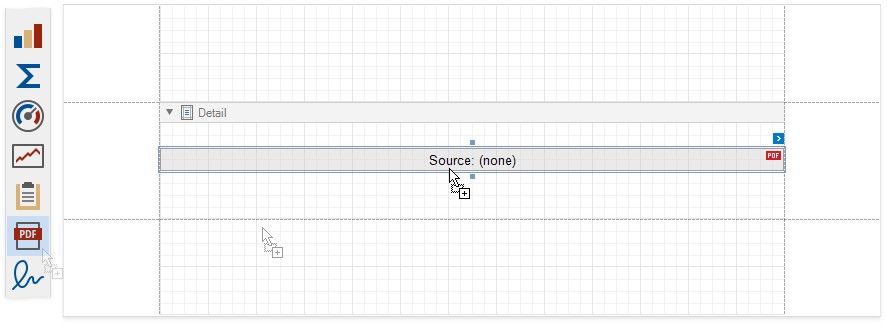
Drop the PDF Content item from the Toolbox onto a band on the design surface.
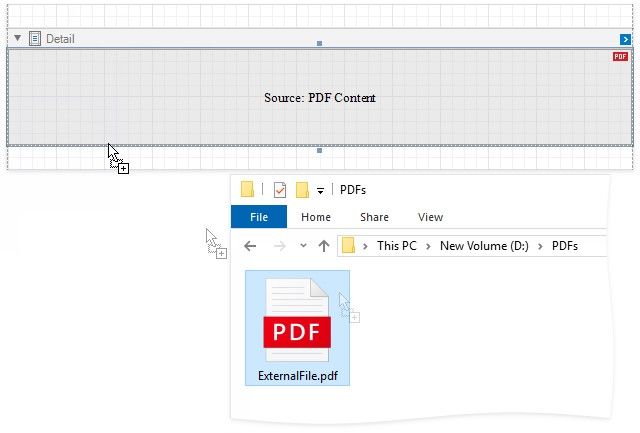
You can also copy a PDF document from an external application and paste it in your report, or drag a document and drop it onto the design surface. The dragged file's content is assigned to the control's Source property as PDF data.