PDF Content
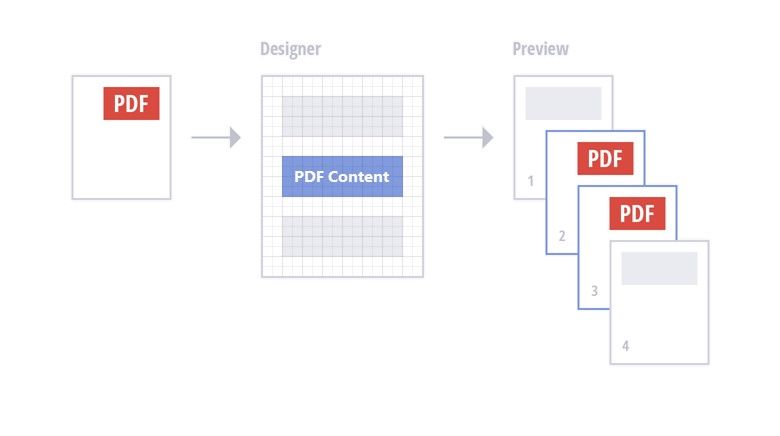
PDF Content is a control that renders PDF content in a report.
PDF content is rendered on separate pages and uses its own page settings.
•Use one of the following options to specify PDF content:
This data is stored in the report file. The source of this data does not need to be available when the report is rendered.
Specify a reference to a PDF document.
The reference to the document is stored in the report definition file. The referenced document should be available when the report is rendered.