Print Layout View
The print layout view is intended to display all formatting in the document, including complex formatting, and can be used to preview the document printout.
To enable this view, on the View tab, in the Document Views group, click the Print Layout button.
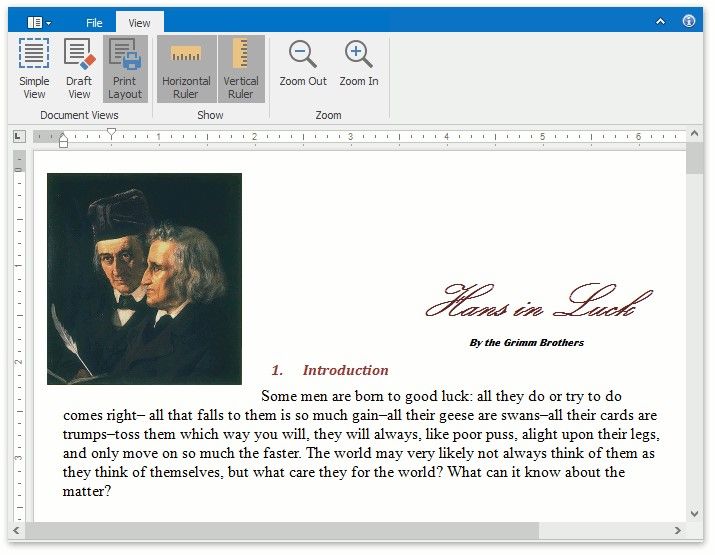
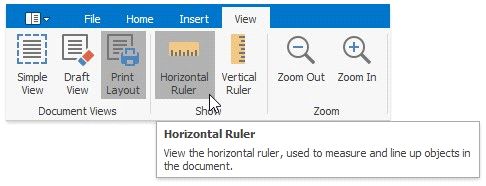
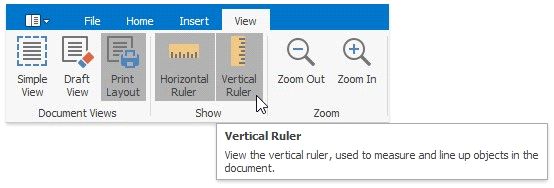
When the print layout view is active, the horizontal and vertical rulers are available. To show or hide horizontal and vertical rulers, on the View tab, in the Show group, click the Horizontal Ruler and Vertical Ruler buttons, respectively.