Zoom a Document
You can zoom in and out of a document in the following ways:
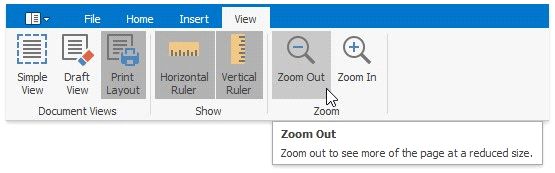
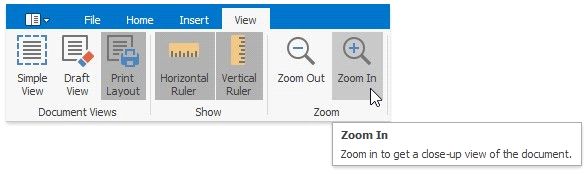
On the View tab, in the Zoom group, click the Zoom In and Zoom Out buttons.
Hold the CTRL button and rotate your mouse wheel.
|
<< Click to Display Table of Contents >> Navigation: User Interface (UI) Elements > Rich Text Editor > Zoom a Document |
Zoom a Document
You can zoom in and out of a document in the following ways:
On the View tab, in the Zoom group, click the Zoom In and Zoom Out buttons.
Hold the CTRL button and rotate your mouse wheel.