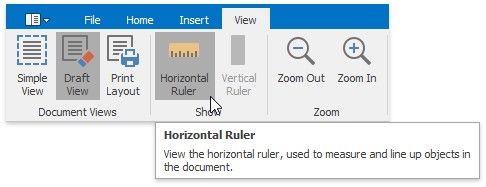
Switch Document Views
The Rich Edit control provides a number of document views that you can switch depending on what you want to do.
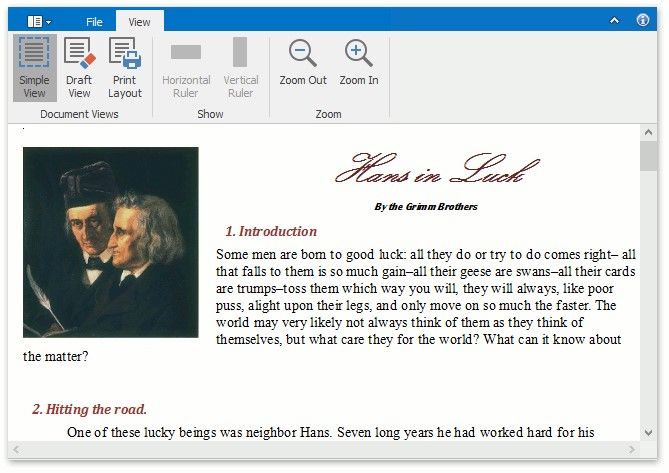
Simple View
A simple view shows a document without a page layout. This view can be useful when you want to concentrate on text editing.
To enable this view, on the View tab, in the Document Views group, click the Simple View button.
Draft View
The draft view is a view without pagination. It does not display complex formatting features that are most appropriate to the page layout. You can use it for the simplest representation of the document, as well as quick text editing.
To enable this view, on the View tab, in the Document Views group, click the Draft View button.
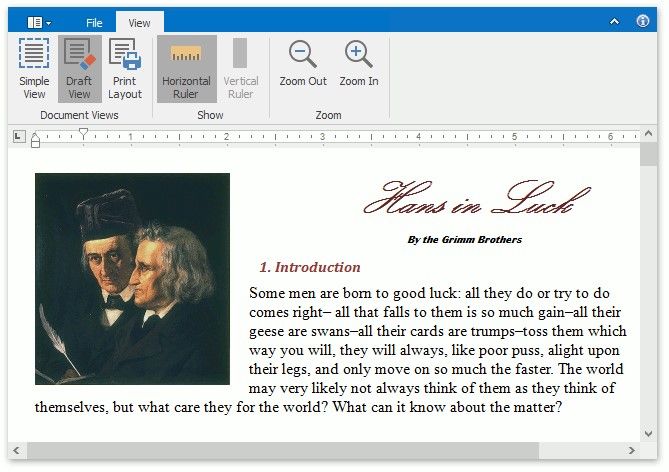
In draft view the horizontal ruler is available. To show or hide it, click Horizontal Ruler on the View ribbon tab.