Select a Data Source Type
On this wizard page, select a required data source type. To exclude irrelevant classes from the list, select the Show only highlighted classes check box.
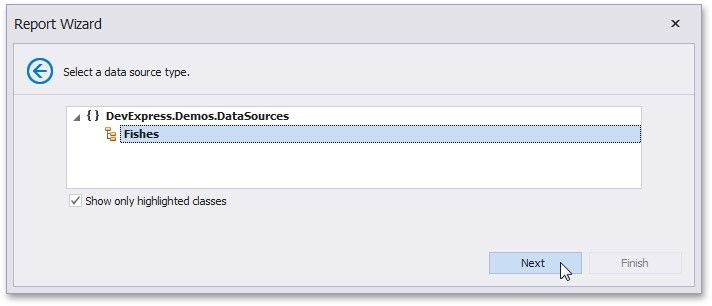
Click Next to proceed to the next wizard page: Select a Data Source Member.