Select a Data Source Member
On this wizard page, specify whether you want to bind to the entire object or to its public member (method or property). To exclude irrelevant members from the list of available members, select the Show only highlighted members check box.
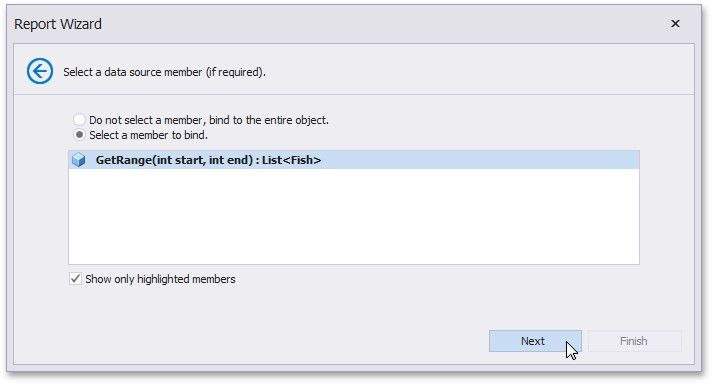
Click Next to proceed to the next wizard page depending on the selected option.
Specify the Member Parameters
Select the Data Binding Mode