Data Source Wizard
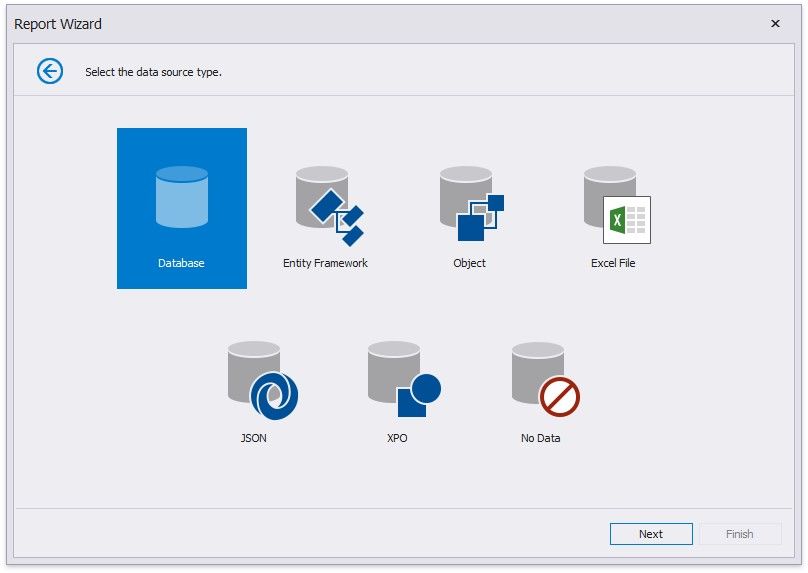
The Data Source Wizard enables you to configure a data source and retrieve the required data. It supports the following data source types:
Database
Obtains data from all major data providers (Microsoft SQL Server, XML data, Microsoft Access, Oracle, etc.).
 Entity Framework
Supports binding to a Microsoft ADO.NET Entity Framework data source.
 Object Binding
Connects to a data object. 
Excel File
Obtains data from Microsoft Excel workbooks (XLS, XLSX or XLSM files) or CSV files.
JSON
Connects to JSON-formatted data.
XPO
Allows you to bind to XPO data.
No Data
Allows you design a report that is not bound to a data source.
Allows you design a report that is not bound to a data source.
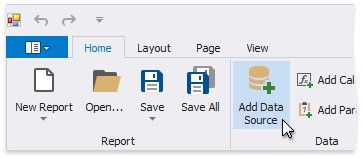
Home page.
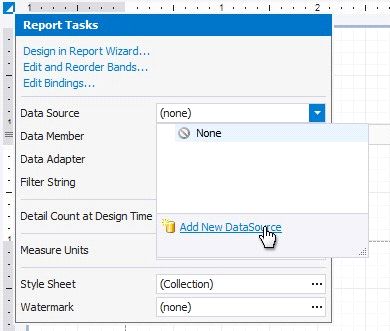
Alternatively, click the report's smart tag, expand the DataSource property's drop-down menu and click Add Report Data Source.
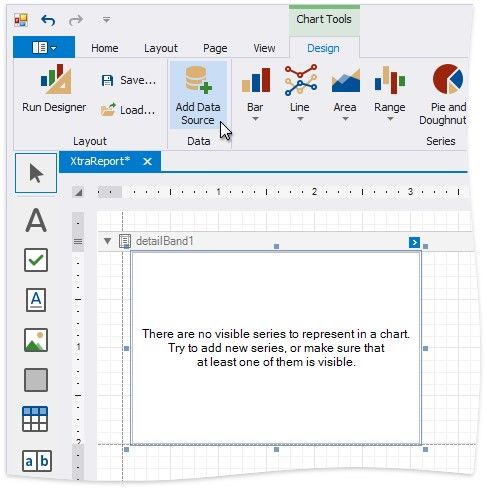
You can invoke the Data Source Wizard using the Add Data Source command on the Chart | Design contextual page.
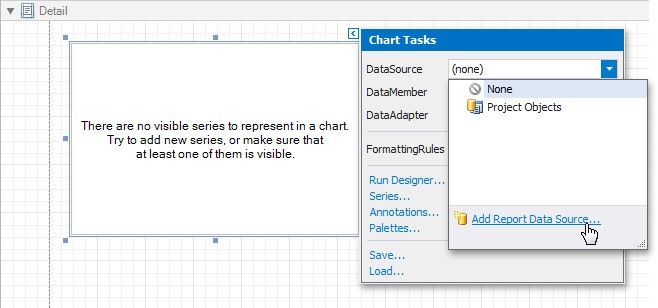
You can invoke the Data Source Wizard using the DataSource property in the chart's smart tag.