Select an Assembly
On this page, select an assembly that contains the class type definition of the data source. To exclude irrelevant assemblies from the list, select the Show only highlighted assemblies check box.
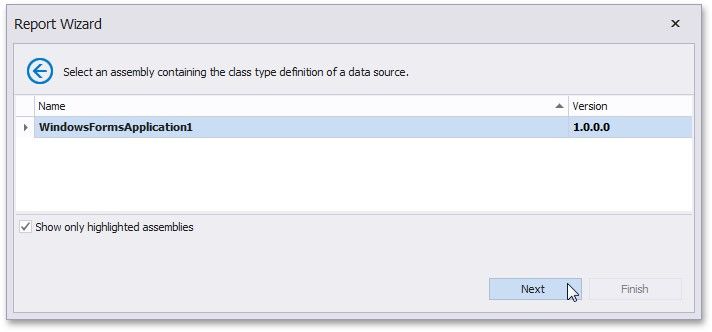
Click Next to proceed to the next wizard page: Select a Data Source Type.