Rename a Worksheet
When a new worksheet is created, the Spreadsheet assigns it a generic name, such as Sheet1, Sheet2, etc.
To rename a worksheet, double-click its sheet tab on the Sheet tab bar to invoke the Rename Sheet dialog box, or ...
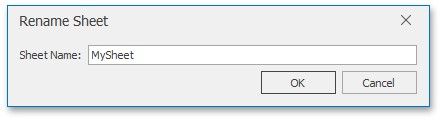
... right-click the sheet tab of the worksheet and select the Rename item from the invoked menu. Rename the worksheet and click OK.
The Spreadsheet sets the following rules for a valid worksheet name.
The maximum length of a worksheet name is 31 characters.
A worksheet name must not be an empty string.
A worksheet name must not include the following characters: \, /, ?, :, **, *[, ].
A worksheet name must not start or end with a single quote.
A worksheet name must not be equal to a name of another existing worksheet.