Delete a Worksheet
To delete an existing worksheet, follow the instructions below.
1.Switch to the worksheet you want to delete.
2.Do one of the following.
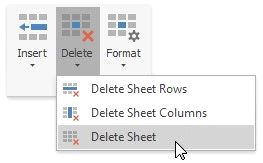
 On the Home tab, in the Cells group, click the Delete button and select the Delete Sheet item from the drop-down list.
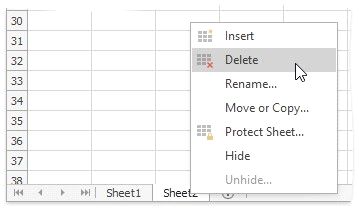
Right-click the sheet tab of the worksheet, and then click the Delete item from the context menu.