Manipulate Table Elements
Select Table Elements
You can click a table cell to select it and access its settings. To select multiple cells, hold the SHIFT or CTRL key and click cells.
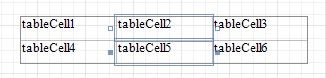
Use the arrow that appears when a mouse cursor hovers over the table edges to select an entire row or column.
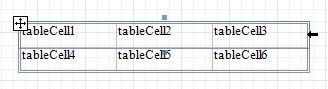
Click the  button at the table's left bottom corner to select the whole table. You can also use this button to move the table.
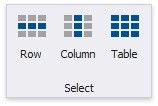
The Select group in the toolbar's Table Tools contextual tab also enables you to select the current row, the current column or the entire table.