Delete Table Elements
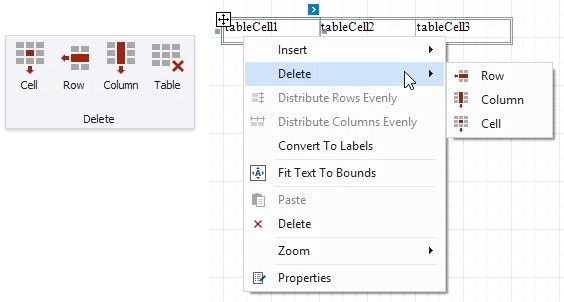
Use the Delete group in the toolbar's Table Tools contextual tab or the Delete context menu items to remove table elements.
Delete Cell
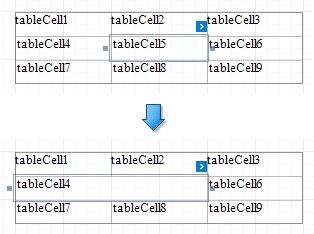
Deletes a table cell and stretches the previous cell to occupy the remaining space. If this cell is the first in the row, the next cell is stretched.
Delete Row
Deletes a row and shifts the existing rows up.

Delete Column
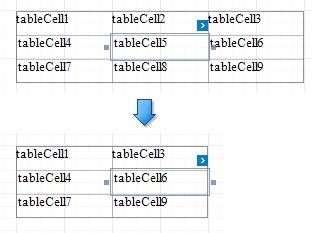
Deletes a column and shifts the existing columns to the left.
Delete Table
Deletes the entire table.