Interactivity
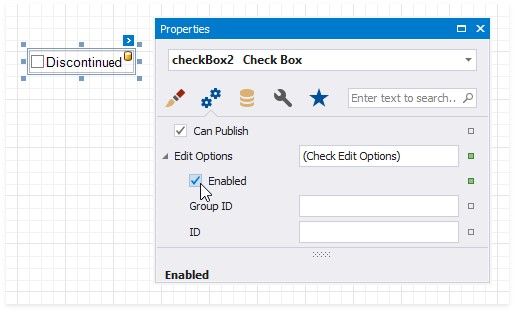
Change the Enabled checkbox within the Edit Options group to specify if users can change the checkbox state in Print Preview.
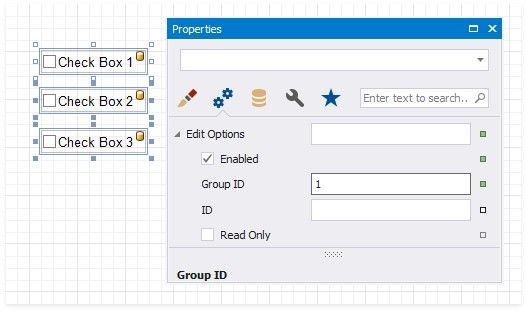
You can create checkbox groups to make them behave like radio lists. To group checkboxes, set their Group ID option within the Edit Options group a group ID value.