Check Box
The Check State property specifies the checkbox's state.
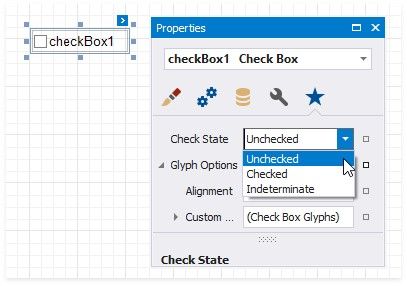

The Checked property indicates whether the checkbox is checked (displays a check mark) or not (is empty).
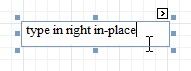
The Text property specifies the checkbox's caption. Double-click the checkbox to invoke its in-place editor and type the caption text.