Customization
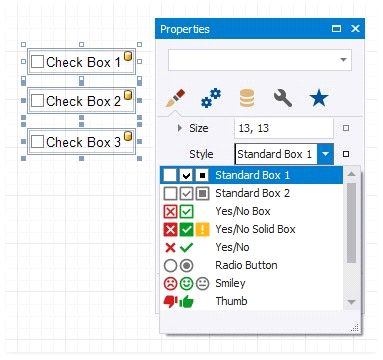
The Glyph Options property provides access to glyph settings.
Style- specifies a predefined glyph style.
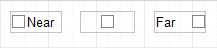
Alignment - specifies the glyph's alignment within the control.
Size - specifies the glyph size.
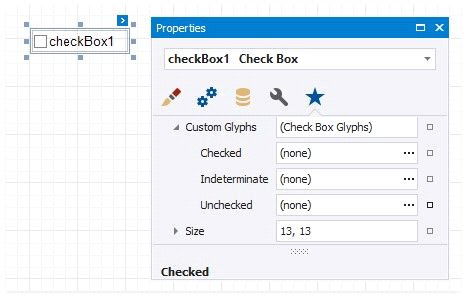
Custom Glyphs - specifies a custom glyph image for each checkbox state (Checked/Unchecked/Indeterminate).
The Open File dialog is invoked when you specify custom glyphs.
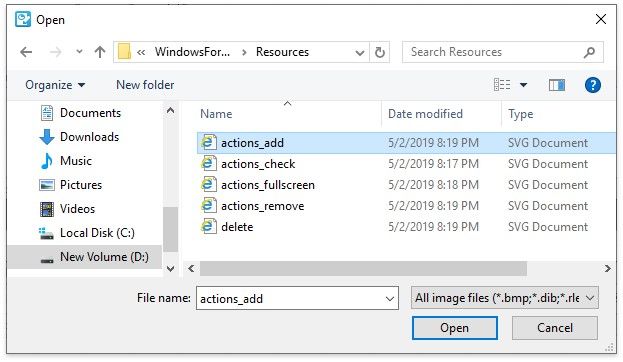
The selected glyph image is saved to the report definition .repx file.