Picture Box
Overview
Use the Picture Box control to add images to a report. The images can have one of the following formats: BMP, JPG, JPEG, GIF, TIF, TIFF, PNG, ICO, DIB, RLE, JPE, JFIF, EMF, WMF, SVG.
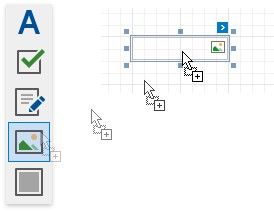
To add the Picture Box control to a report, drag the Picture Box item from the Toolbox onto the report's area.
Specify one of the following properties to set an image:
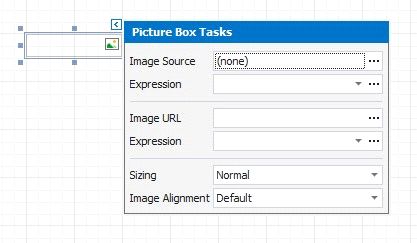
Image Source
Save the image to the report definition.
Image Url
Only save a path to the image.