Assign an External Image
Click the Image Source / Image URL property's ellipsis button to invoke the Open File dialog.
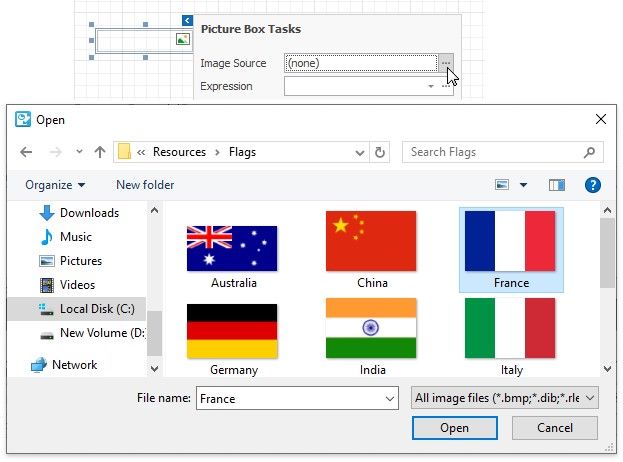
The selected image or its URL is saved to the report definition .repx file.
|
<< Click to Display Table of Contents >> Navigation: User Interface (UI) Elements > Report Designer > Use Basic Report Controls > Picture Box > Assign an External Image |
Assign an External Image
Click the Image Source / Image URL property's ellipsis button to invoke the Open File dialog.
The selected image or its URL is saved to the report definition .repx file.