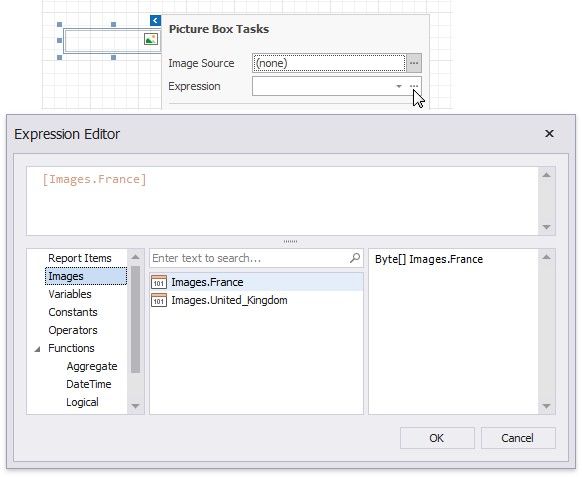
Assign an Image from the Report's Image Collection
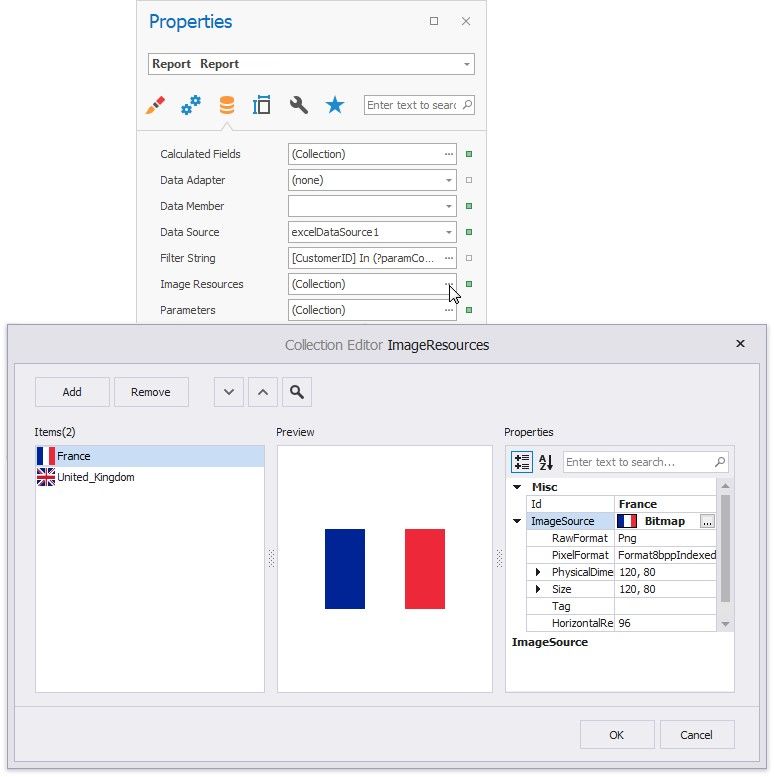
Set the report's Image Resources property.
Click the Picture Box's smart tag. In the invoked menu, click the Expression option's ellipsis button to open the Expression Editor. Choose an image from the Images collection: