Insert a Table
Insert a Table
1.Click the position within a document where you want to insert a table.
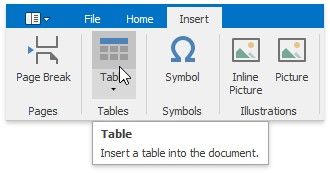
2.Click the Table button on the Insert tab.
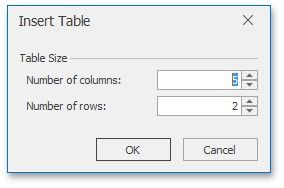
3.In the invoked Insert Table dialog, select the required number of table rows and columns.
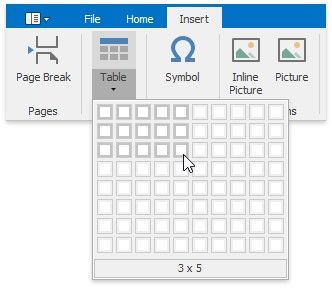
4.Alternatively, you can select the required table size in the drop-down control box:
Insert a Table inside Another Table
Tables that are located inside other tables are called nested tables.
To insert a nested table:
1.Point to the position within a table cell where you want to insert a table.
2.Insert a table.
3.