Content Layout and Position
This section describes the Character Comb properties that affect the control's position on a page and content layout.
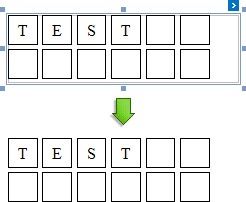
The following image illustrates the behavior of the Auto Width property that specifies whether or not the width of a control depends on its text.
AUTOWIDTH = TRUE |
AUTOWIDTH = FALSE |
|
|
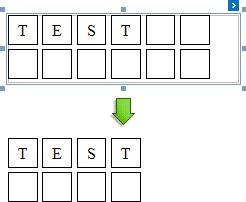
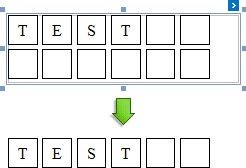
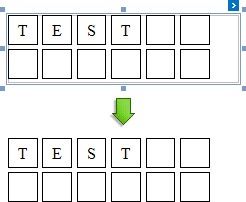
The following image illustrates the behavior of the Can Shrink property that specifies whether or not the height of a control depends on its text.
CANSHRINK = TRUE |
CANSHRINK = FALSE |
|
|
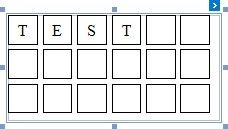
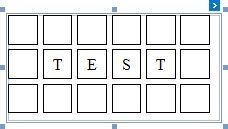
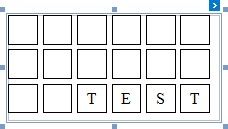
The Text Alignment property specifies the alignment of text within a control.
TEX TALIGNMENT = TOP LEF T |
TEX TALIGNMENT = MIDDLE CENTER |
TEX TALIGNMENT = BOT TOM RIGHT |
|
|
|