Rich Text
Overview
The Rich Text control displays formatted text (static, dynamic or mixed) in your report.
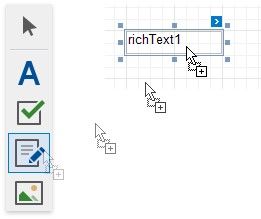
To add this control to a report, drag the Rich Text item from the Toolbox onto the report's area.
You can load RTF or HTML content from an external file. Click the control's smart tag and select Load File.
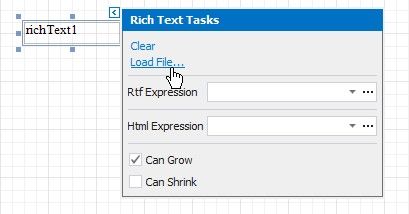
In the invoked Open dialog, use the drop-down list to define the file's extension (.rtf, .docx, .txt, .htm or .html), select the file and click Open.
You can double-click the Rich Text to invoke its in-place editor and enter static text. Use the Toolbar's Font group to format the text.
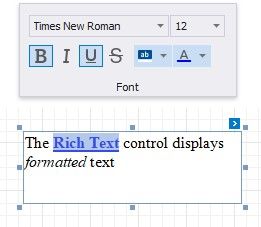
Press CTRL+Enter to submit changes and exit the in-place editor.