Chart Wizard
Use the chart wizard dialog to quickly and easily create a new chart, or modify an existing one.
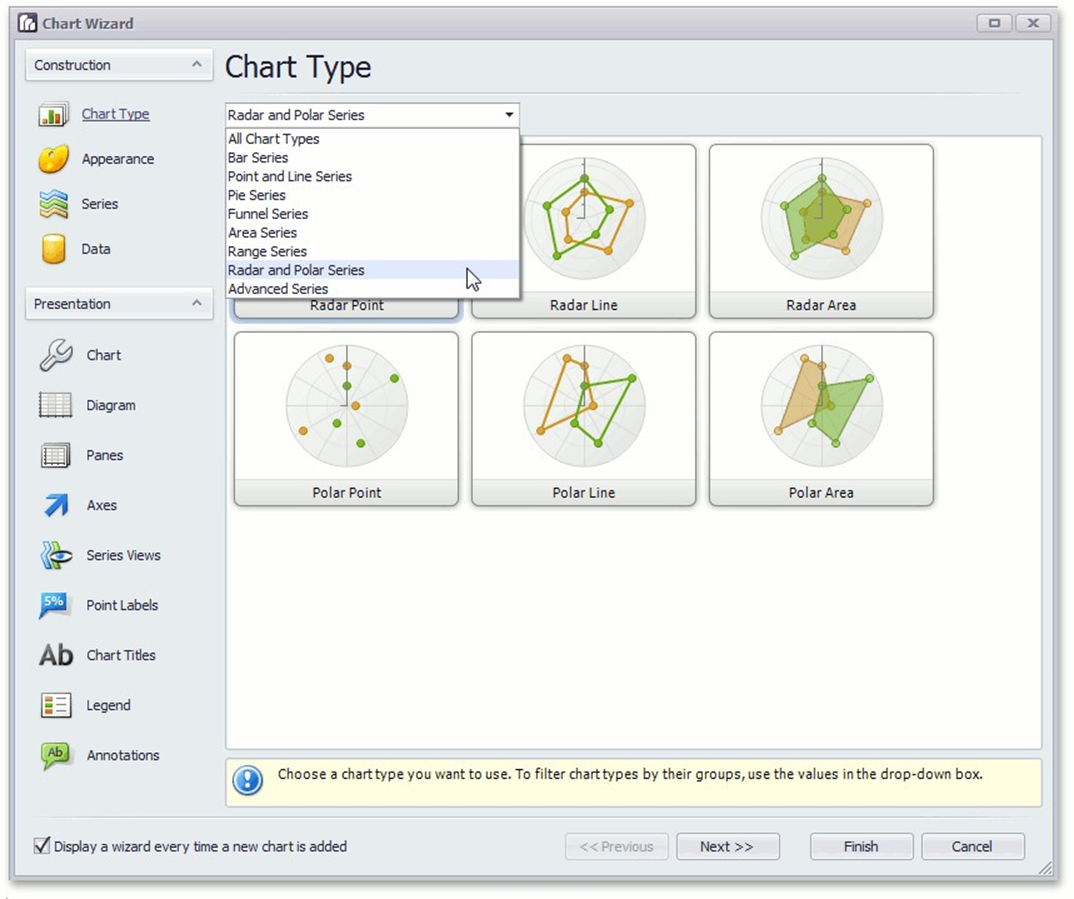
The Chart Wizard contains the following pages.
Construction group
Presentation group
Point Labels Page Chart Titles Page
To navigate through the Chart Wizard's pages, use the navigation bar or the  and
and  buttons.
To complete the chart, use the  button, or the
  button, to cancel all changes.
Use the "Display a wizard every time a new chart is added" option to specify whether or not a chart wizard should appear when you add a new chart to the windows form.