Appearance Page
Tasks
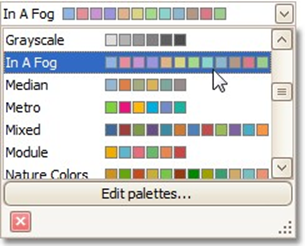
Choose a palette to color a series.
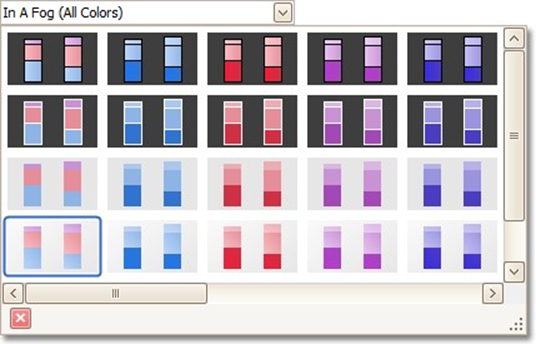
Choose the style specifying the chart's appearance.
Page Elements
`
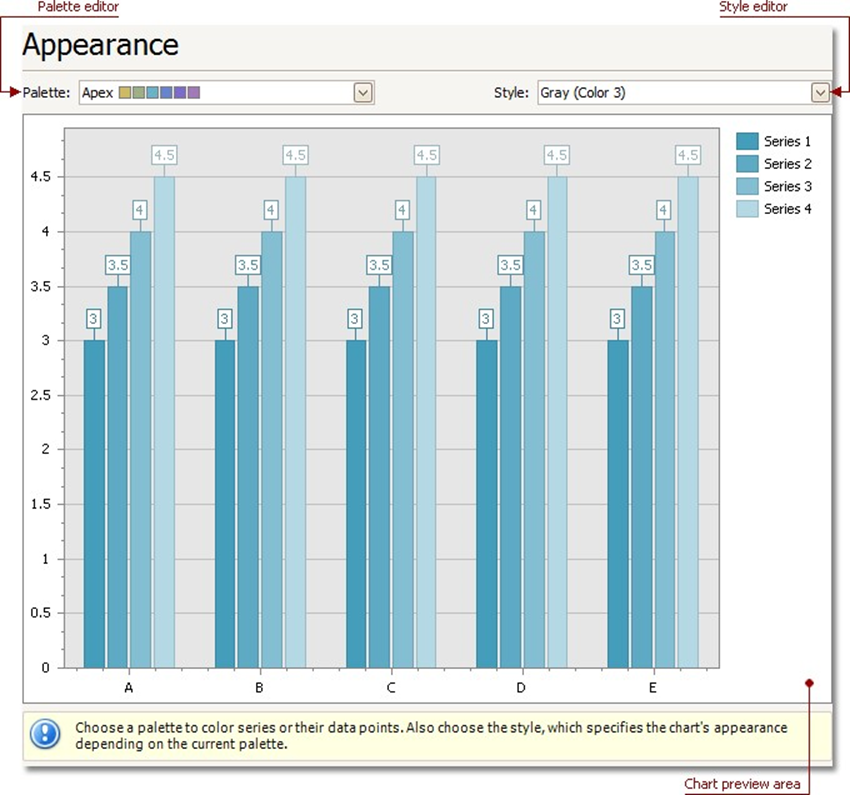
Chart preview area
Previews a chart's layout.
Palette Editor
Specifies a palette to color a series.
Style Editor
Specifies the style determining the chart's appearance, depending on the selected palette.