Zoom and Move the Viewport
Zoom
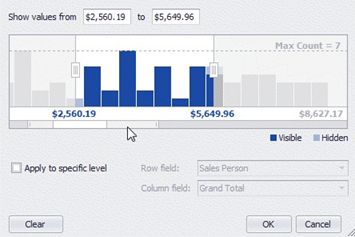
You can zoom in or out by shrinking or enlarging a viewport scroll thumb displayed within the Zoom & Scroll Bar.
To zoom in, drag a zoom grip inwards. To zoom out, drag a zoom grip outwards
Zoom and Move the Viewport
Zoom
You can zoom in or out by shrinking or enlarging a viewport scroll thumb displayed within the Zoom & Scroll Bar.
To zoom in, drag a zoom grip inwards. To zoom out, drag a zoom grip outwards
Move Viewport
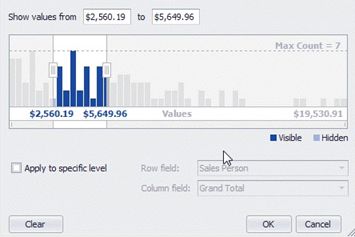
To move the viewport, drag a viewport scroll thumb.