Specify Target Cells
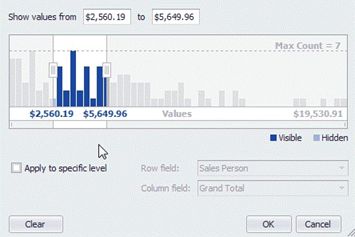
Filtering by cell values is applied only to regular cells by default. You can change this behavior and apply it to Total or Grand Total cells. To do this, check the Apply to specific level check box, and select column and row fields that identify the desired Total or Grand Total cells.