Use Expressions
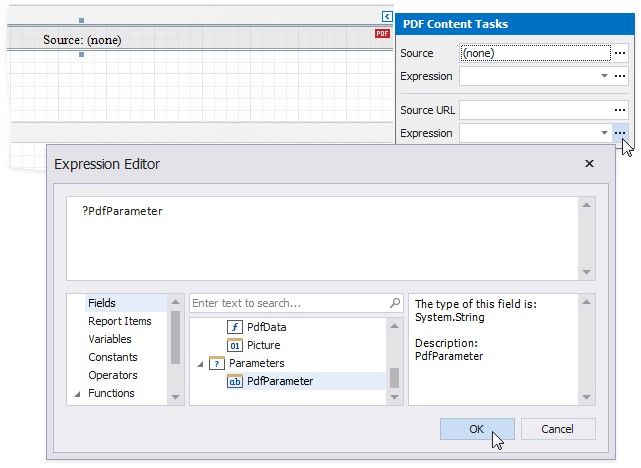
You can specify an expression that specifies the Source or Source URL property value. An expression can include report parameters or data source fields, or it can conditionally specify a property value.
Expand the PDF Content's smart tag.
 Click the Expression property's ellipsis button below the Source property. Use the invoked Expression Editor to create an expression that identifies the source of binary PDF data.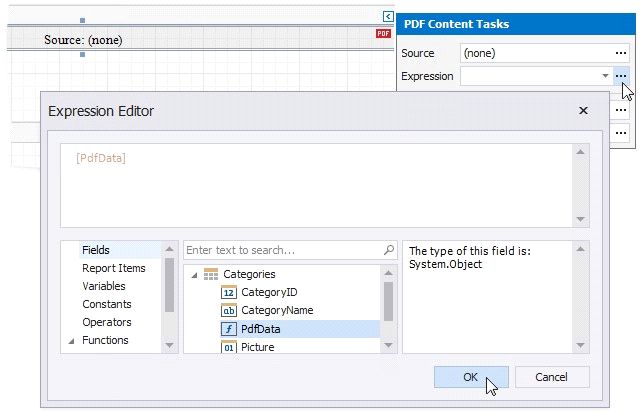
Click the Expression property's ellipsis button below the Source URL property. Use the invoked Expression Editor,create an expression the value of which identifies a URL or path to a PDF document.