Tab Order
To change the tab page order, click the Reorder Tabs button on the Tab settings group.
The Tabs Order dialog is invoked.
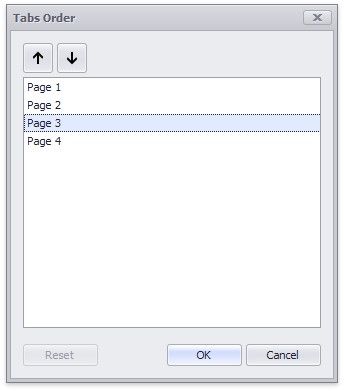
Click up and down arrows to change the order of the tab pages in the tab container.
|
<< Click to Display Table of Contents >> Navigation: Dashboard Designer > Dashboard Item > Tab Container > Tab Order |
Tab Order
To change the tab page order, click the Reorder Tabs button on the Tab settings group.
The Tabs Order dialog is invoked.
Click up and down arrows to change the order of the tab pages in the tab container.