Overview
To create a tab container, use the Tab Container button in the Home ribbon tab:

A newly created tab container contains an empty tab page (Page 1).
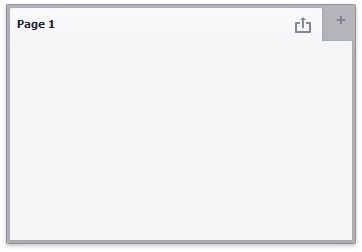
Click the + (plus) icon to add an empty page to the tab container. You can use drag-and-drop to add dashboard items to a tab page and manage the layout. Tab containers cannot be nested, so you cannot add a tab container to another tab container. However, a tab container can contain item groups.
See the Dashboard Item Caption topic to learn how to manage a tab container's caption.