Specify the Constructor Parameters
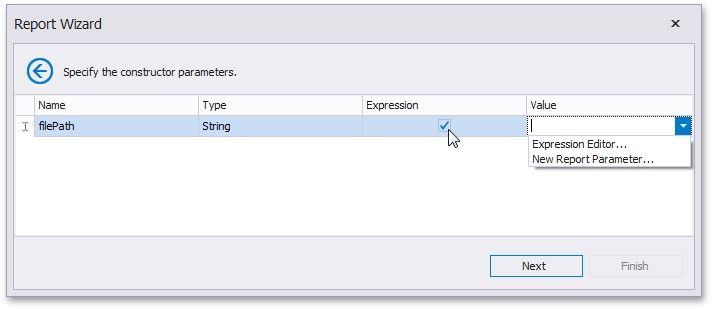
On this wizard page, specify the constructor parameters.
To specify the constructor parameter's value, use the Value column. Enable the check box in the Expression column to make it possible to specify the parameter expression using the Expression Editor. In this case, you can pass an existing report parameter to the constructor or even create a new report parameter using the in-place editor.