Select a Data Source Constructor
On this page, select one of the available data source constructors. To exclude irrelevant constructors from the list, select the Show only highlighted constructors check box.
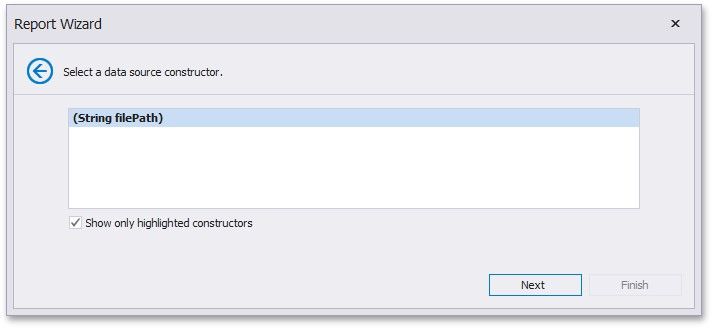
Click Next to proceed to the next wizard page: Specify the Constructor Parameters.