Select the Data Context
On this page, select the required data context from the list of available data contexts.
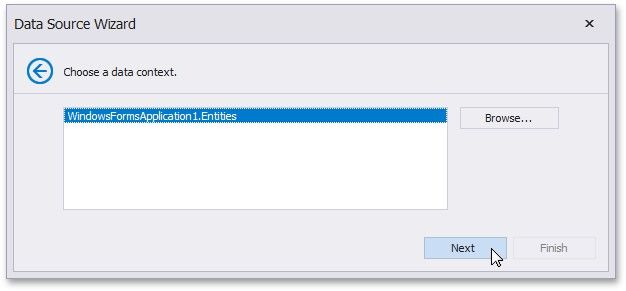
If the Browse button is available on this page, you can also select a data context from a custom assembly.
Click Next to proceed to the next wizard page: Select a Connection String.